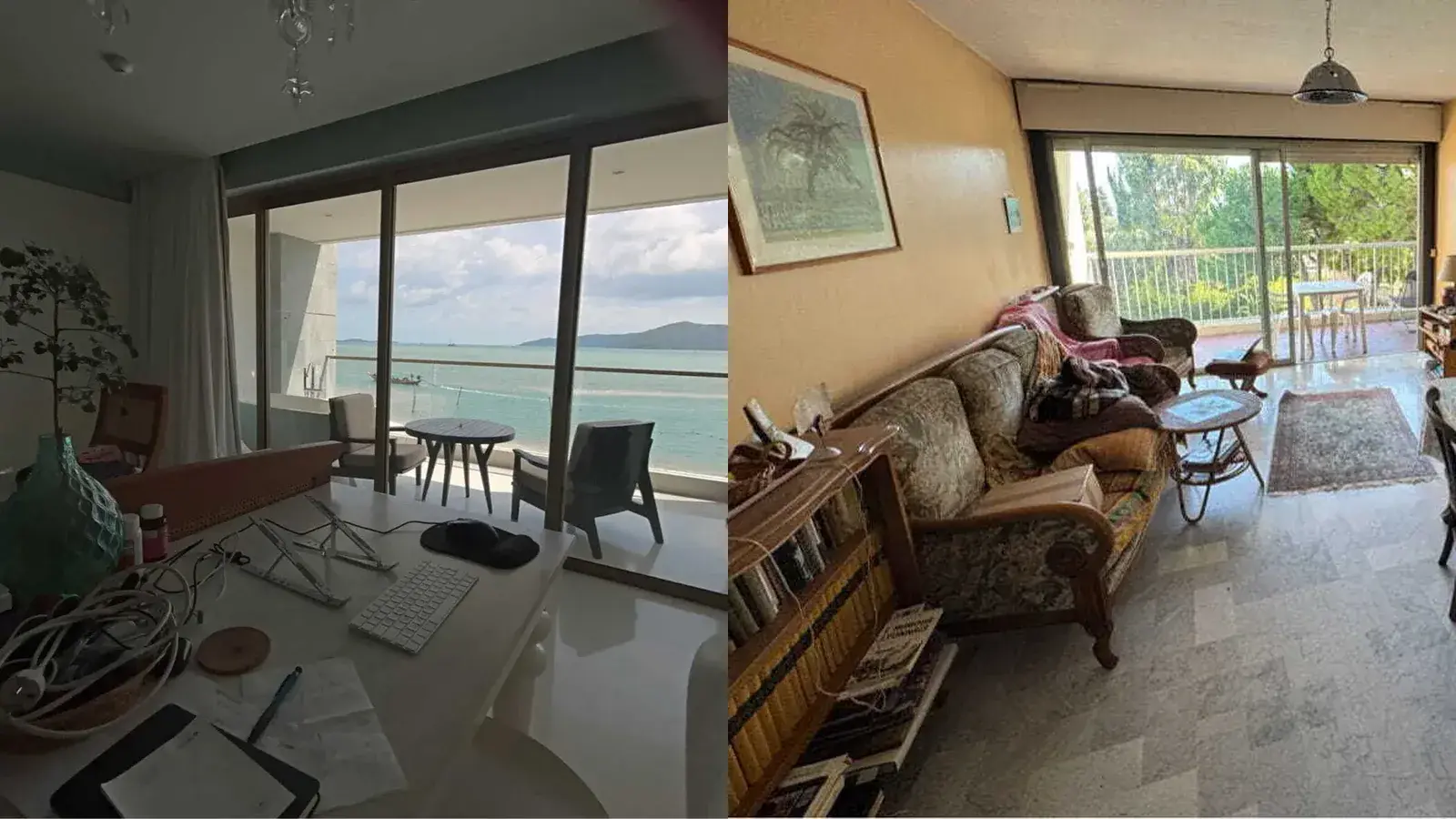
The same mistakes come up from one listing to the next. They are grouped here in the order you work: shooting, preparing the room, choosing photos, editing, uploading. A checklist ends the article.
When shooting
These mistakes come from how the phone is held. They are hard to fix afterwards, so avoid them on site.
- Leaning walls. The phone is tilted up or down. Turn on the camera grid, keep the phone upright and, if you see too much ceiling, lower the phone instead of tilting it.
- Shooting too high. At eye level the photo shows mostly floor and flattens the furniture. Aim for chest height, a little lower in a small room.
- Ultra-wide everywhere. It stretches the edges and makes the room look bigger than it is. Keep it for a bathroom or corridor where you cannot step back.
- Facing a single wall. It tells the buyer little about the size of the room. Stand in a corner or a doorway and aim at the opposite corner.
- Backlight. The window turns white and the room dark. Turn so the window is to the side, and set exposure on a wall, not on the glass.
- Flash. It flattens volumes and leaves glare in windows and mirrors. Turn it off.
- Portrait photos. Listing sites mostly show photos in landscape, so a portrait shot loses space. Keep portrait for a staircase or a high ceiling.
The settings are covered in the guide to real estate photos with a phone, and dark rooms have their own article.
Before you press the shutter
Many failed photos fail because of what is in the frame, not because of the phone. A quick look around the room before each shot catches a lot of it.
- Clutter: dishes, laundry, cables, shoes, bins, bottles on the edge of the bath.
- Personal items: family photos, mail, papers on a desk, children's names on a door.
- Reflections: you in a mirror, a window or a TV screen. Step slightly aside and shoot mirrors at an angle.
- People. French portal SeLoger refuses any person in photos, identifiable or not, and leboncoin refuses minors. Ask occupants to step out of the frame.
- Mixed light colours: a warm bulb next to daylight gives tints that are hard to correct. Switch everything on or everything off.
- Distracting details: toilet seat up, curtains half drawn, unmade bed, a car parked in front of the house.
In an occupied home, settle these points with the occupant before the shoot. Privacy rules are covered in the article on photographing an occupied home.
When choosing the photos
- Near-duplicates. Three similar views of the same living room add nothing. Keep the best one.
- Pointless close-ups: a tap, a socket, a radiator. A detail earns its place only if it tells the buyer something, such as old parquet or a fireplace.
- A missing room. A buyer who cannot see the bathroom, kitchen or outside space may wonder why.
- A weak opening photo. The first photo often becomes the thumbnail in search results. Use the main room or the front of the house, not the hallway.
- A random order. Follow the viewing route: living areas, kitchen, bedrooms, bathrooms, outside, then the floor plan.
- Photos that no longer match the property: taken before works, with the old furniture of a home sold empty, or a garden shot in another season without saying so.
- Photos of another property or stock images. SeLoger and leboncoin require photos of the property on offer.
How many photos to publish, and each portal's limits, are covered in how many photos for a listing.
When editing
Editing corrects light, colour and verticals, and removes clutter. It becomes a mistake when it changes what the buyer will find at the viewing.
- Overdone effects: saturated colours, white walls turned grey or blue, heavy contrast, windows that look fake. A natural result stays closer to what the buyer will see.
- A sky that does not fit: a deep blue sky over a winter garden, or sunset light on a front-lit facade.
- Removing a defect: a crack, damp stain, damaged floor, pylon, overlooking building or nearby construction site.
- Undisclosed virtual staging. Added furniture is not sold with the property. Say so on the photo or in its caption.
In France, article L121-2 of the Consumer Code treats as misleading a practice based on false presentations, or presentations likely to mislead, notably about the essential characteristics of the goods. A listing photo is part of how the property is presented. Wording for disclosing virtual staging is in the article on virtual staging disclosure.
When uploading to listing sites
Some photos are rejected or removed for formal reasons. The rules below were read on 23 October 2026 on the help pages of two French portals, for direct uploads.
- Text on the photo. leboncoin refuses phone numbers, email addresses, links and QR codes on photos.
- A logo or watermark. SeLoger refuses them on private-seller listings, along with text and borders.
- Low resolution. SeLoger asks for at least 1280 × 720 pixels per photo. A screenshot or a photo received through a messaging app may fall short.
Agencies usually publish through listing software whose rules may differ. Before exporting with ImmoPhoto's watermark, check what your portals and software accept.
Checklist before publishing
- Walls are straight in every photo.
- No people, no photographer in a reflection, no identifiable personal items.
- Every important room appears at least once, with no duplicates.
- The first photo is the main room or the front of the house.
- Photos follow the viewing route.
- Colours look natural and no defect of the property has been removed.
- Every virtually furnished photo is disclosed.
- No text or contact details on the photos, and a watermark only where the site accepts it.
- The listing carries the required information: see what a French listing must include.