Virtual staging for listing photos
An empty room is hard to read in a photo: buyers cannot judge its size or use. Virtual staging adds furniture to the photo without touching the home. The staged photo must be disclosed in the listing.
Verified on 23 October 2026
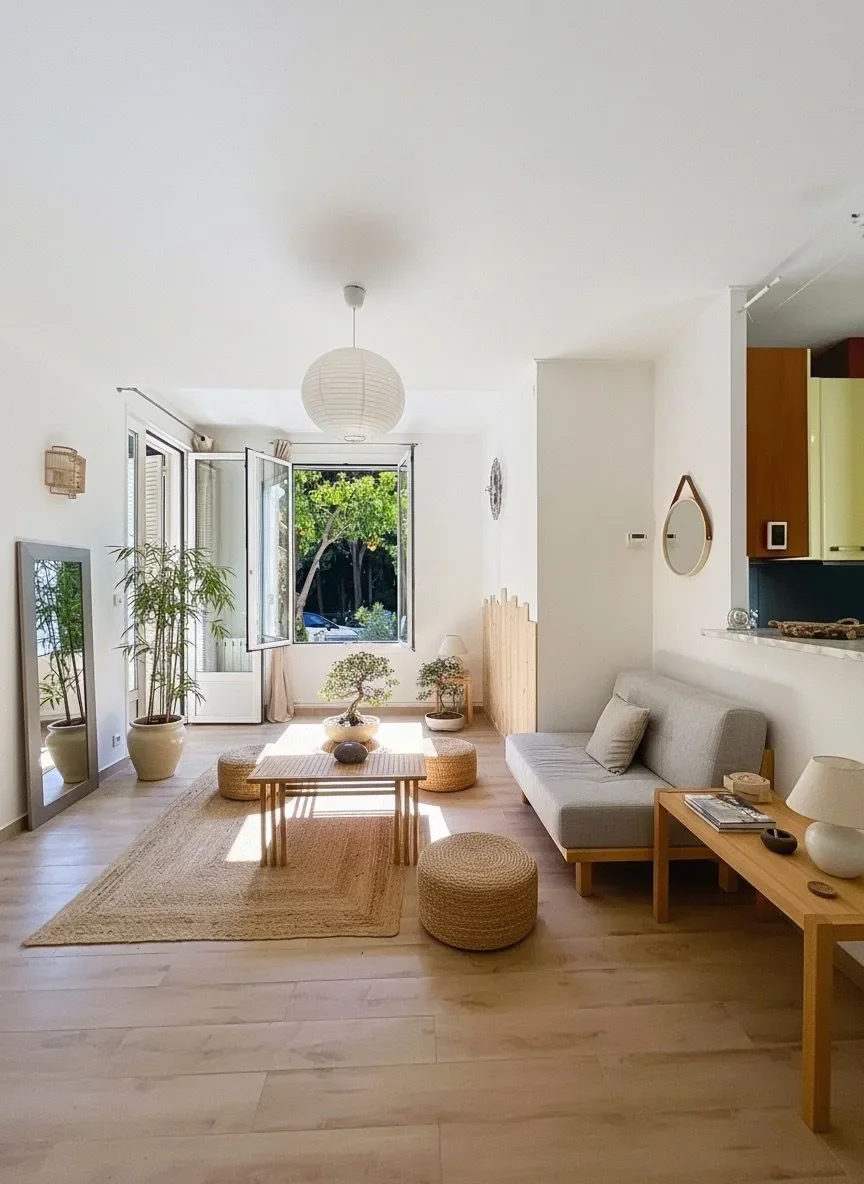
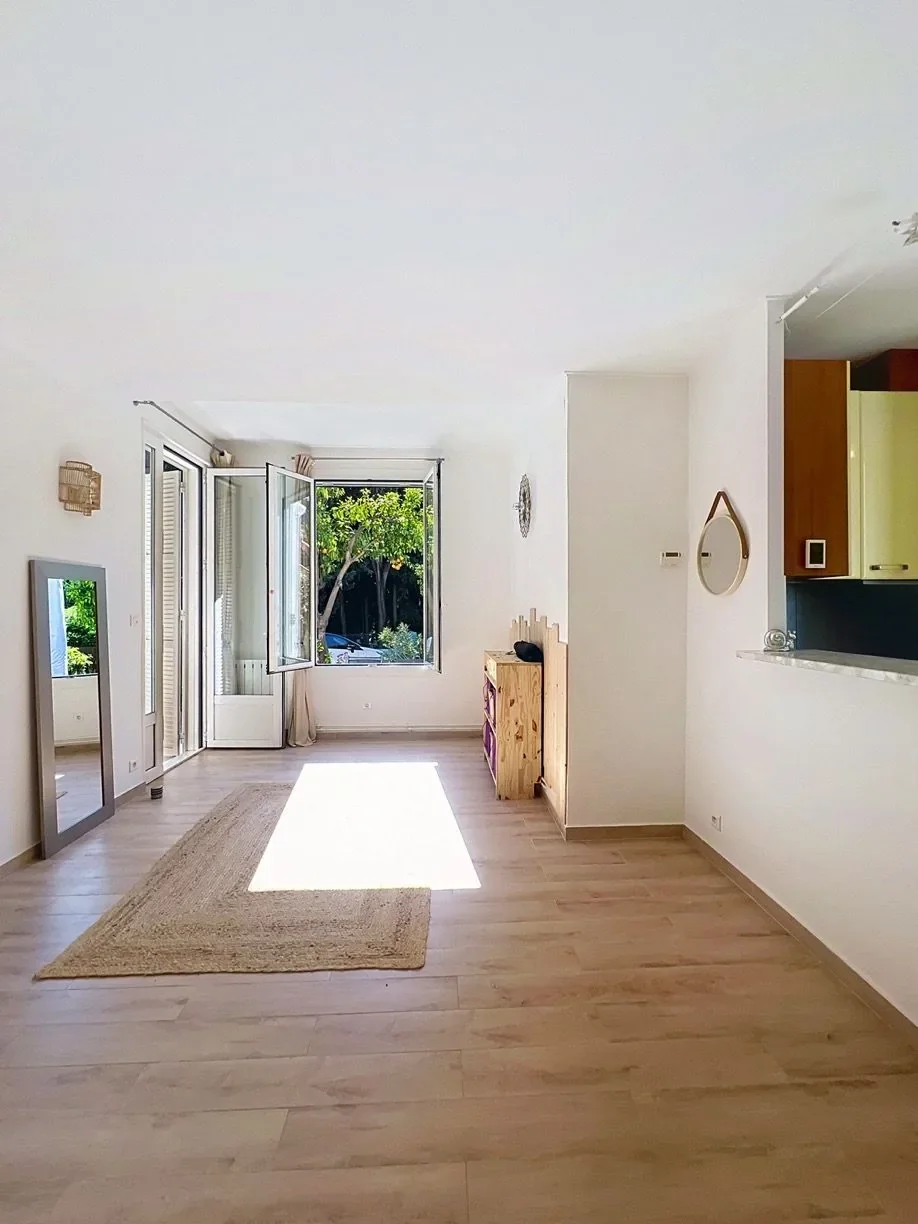
Before
After
Drag to compareDrag to compare
50%
How it works
- Import the photo of an empty room, or empty it first with the Empty room tool.
- Pick a style: modern, industrial, zen, Scandinavian, bohemian, minimalist, classic or contemporary.
- Compare the result with the original, then export the photo with your watermark if you use one.
When to use it
- An empty flat after the tenants left, where no room gives a sense of scale.
- A new or renovated property sold unfurnished.
- A room whose use is unclear: office, guest room, dining corner.
Limits
- The added furniture is not sold with the property: the photo must be labelled as virtually staged.
- The result follows the photo’s perspective. A tilted or very dark photo gives a less convincing result.
- Publish the empty-room photo too, so buyers see the actual state.
Label every virtually staged photo, on the photo itself or in the listing text.
Frequently asked questions
Do I have to disclose a virtually staged photo?
Yes. The furniture does not exist in the home: say so on the photo or in the listing, and show the empty room too.
Can I stage a room that is already furnished?
Empty it first with the Empty room tool, then apply virtual staging to the result.
Which styles are available?
Modern, industrial, zen, Scandinavian, bohemian, minimalist, classic and contemporary.
Is virtual staging included in the subscription?
Yes, like the other AI retouches. Plan details are on the pricing page.
Related articles
- How to remove clutter from real estate photos
- Virtual staging for an empty apartment: method and limits
All features
Try it on your next property
Without a subscription you can create one property, upload nine photos and scan one 2D floor plan.